ChatGPT Security for Business: Control Checklist
A practical framework for governing ChatGPT accounts, data, connected systems, monitoring, and incident response at work.
ChatGPT can save time on a routine task and create a security problem just as quickly. A client contract pasted into a prompt, a file connector granted broad access, or a custom GPT that can act in another system all change the business risk.
The useful question is not simply whether ChatGPT is secure. It is whether your business controls the identities, data, permissions, integrations, and workflows around it.
OpenAI says business data submitted to its business products is not used to train its models by default. That matters, but it does not replace the controls your organization needs for access, data handling, and response. OpenAI
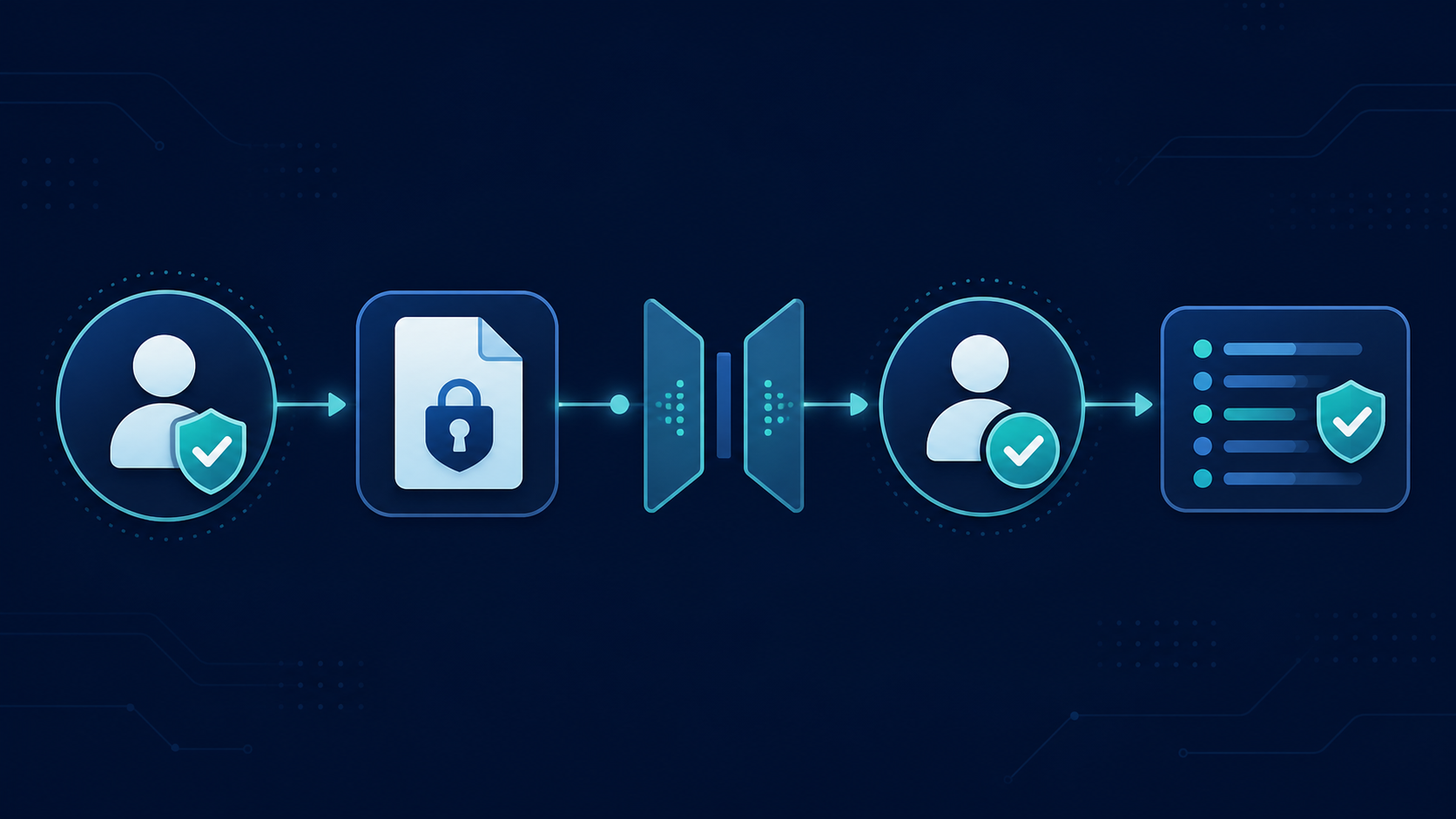
Start with identity
Business work belongs in company-managed accounts, not personal accounts. Where the selected plan supports it, connect ChatGPT to your corporate identity platform and enforce multi-factor authentication through that system.
Your access process should answer three questions:
- How does a new employee receive access?
- What changes when an employee changes roles?
- How is access removed when an employee leaves?
Treat an AI account that can reach company files with the same care as any other business system.
Define what employees may enter
A rule that says “do not enter confidential data” is too vague to guide normal work. Use a small, usable classification model instead:
- Public: information already intended for public distribution.
- Internal: operating information for employees, used only in approved workflows.
- Confidential: contracts, client information, financial reports, source code, pricing, and employee information, used only in approved managed workflows.
- Restricted: passwords, API keys, authentication tokens, and highly regulated records. Do not submit these unless the security architecture explicitly supports the use case.
The prompt box is an input boundary. Files deserve the same review because a document can contain names, account numbers, embedded metadata, internal comments, or credentials.
Review workspace settings before broad access
Do not let the default deployment become the production configuration. Review authentication, workspace roles, sharing, GPT creation, connected applications, retention, administrative permissions, and available features before rolling the service out.
The correct settings depend on the use case. A design agency working with public marketing material has different requirements from a law firm handling client records. The business purpose should drive the configuration.
Control connectors and custom GPTs
Connectors change the risk model. Without one, a user manually supplies data. With one, ChatGPT can retrieve information from approved systems and knowledge sources.
AI often exposes an existing permission problem rather than creating a new one. Before connecting a repository, review broad groups, inherited access, public links, dormant accounts, and sensitive libraries. Start with a defined use case and a narrow source, such as an IT team searching a dedicated support library. Do not connect every SharePoint site because the option exists.
Treat custom GPTs and internal assistants as lightweight applications. Document who created them, what instructions and files they use, which actions they can call, who can use them, and what data can leave the organization. Instructions are not access controls. Authorization must sit outside the prompt.
Require stronger controls for actions
An AI system that drafts text has a different risk profile from one that can send messages, update records, change permissions, execute code, make purchases, or delete information.
Apply least privilege to each workflow. Give the system only the access it needs, and require human approval before actions with material business impact.
Treat retrieved content as untrusted
Prompt injection can arrive through web pages, documents, email, knowledge-base articles, or support tickets. Those sources may contain instructions intended to influence the AI.
Keep trusted application instructions separate from retrieved content. Do not let retrieved text redefine the assistant’s authority, and validate high-risk outputs before they trigger a business action.
Monitor use and prepare for mistakes
The goal is not to read every employee conversation. It is to see security-relevant events: new connectors, public sharing, privilege changes, sensitive repositories, repeated credential exposure, dormant accounts becoming active, and unapproved AI use.
Someone will eventually submit information they should not have. Your response process should establish what data was involved, who submitted it, which account and workspace handled it, whether it was retained or shared, which notification duties apply, and which control failed. Deleting a conversation is not a complete response if the underlying control gap remains.
ChatGPT security checklist
- Use managed business accounts and enforce MFA.
- Define approved data classifications and AI use cases.
- Ban routine submission of credentials and secrets.
- Review retention, sharing, connector, and GPT-creation settings.
- Inventory connected repositories and remove obsolete permissions.
- Apply least privilege and human approval to high-impact actions.
- Monitor meaningful workspace and connector changes.
- Maintain an AI incident-response process.
Roll out ChatGPT safely
Start with one real workflow, not the whole company. Document its users, data, inputs, outputs, connected systems, permissions, business owner, and security owner. Configure controls, pilot with a small group, observe where the process breaks down, then expand in controlled groups.
The strongest deployment gives employees an approved path that is easier to use than personal accounts and unapproved tools. QuantM helps Canadian SMBs connect AI governance with identity, Microsoft 365, cybersecurity, and documented business controls. Start with a free AI readiness assessment to identify the first gaps to address.
Related AI security guidance
- AI Security Learning Centre
- AI Data Loss Prevention for Businesses
- AI Subprocessor Risk
- LLM Input Validation